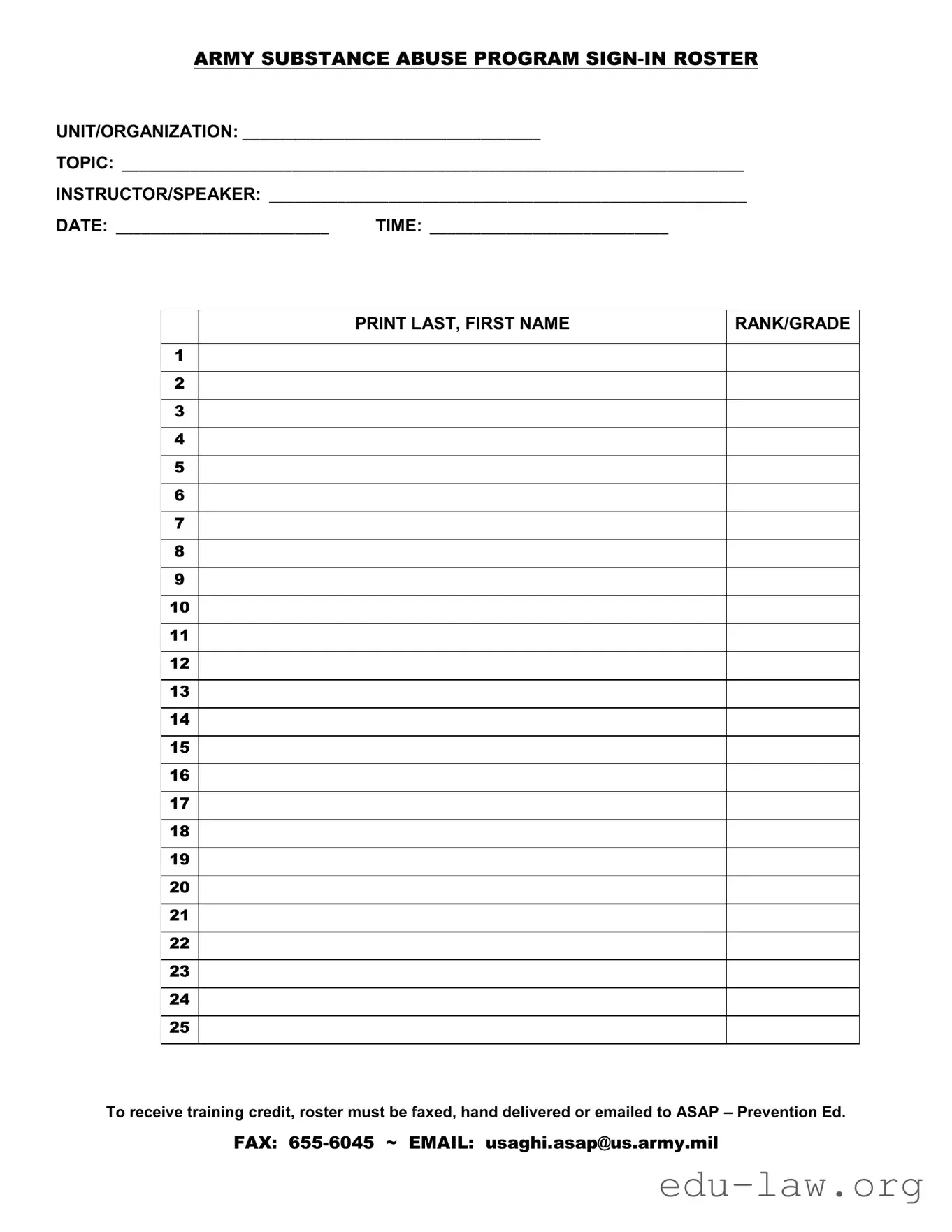
The Sign In Roster form is an essential tool used within the Army Substance Abuse Program to document attendance at training sessions. This form captures critical information, including the unit or organization, the specific topic of the training, and details about the instructor or speaker. Each entry on the roster requires participants to print their last and first names, along with their rank or grade. Accurate record-keeping is vital, as it ensures that individuals receive appropriate training credit. To comply with program requirements, the completed roster must be submitted through fax, hand delivery, or email to the designated contact within the ASAP office. The form also includes important logistical details such as the date and time of the training, which are crucial for maintaining a comprehensive attendance record. By adhering to these guidelines, organizations can effectively track participation and support the ongoing education of their personnel.

ARMY SUBSTANCE ABUSE PROGRAM
UNIT/ORGANIZATION: ___________________________________
TOPIC: _________________________________________________________________________
INSTRUCTOR/SPEAKER: ________________________________________________________
DATE: _________________________ |
TIME: ____________________________ |
1
2
3
4
5
6
7
8
9
10
11
12
13
14
15
16
17
18
19
20
21
22
23
24
25
PRINT LAST, FIRST NAME
RANK/GRADE
To receive training credit, roster must be faxed, hand delivered or emailed to ASAP – Prevention Ed.
FAX:
| Fact Name | Details |
|---|---|
| Form Title | Army Substance Abuse Program Sign-In Roster |
| Purpose | This form is used to document attendance at training sessions related to substance abuse prevention. |
| Required Information | The form requires the unit/organization name, topic, instructor/speaker name, date, time, and participant details. |
| Participant Details | Participants must print their last and first names along with their rank/grade. |
| Submission Methods | The completed roster must be faxed, hand-delivered, or emailed to the Army Substance Abuse Program. |
| Fax Number | Fax submissions should be sent to 655-6045. |
| Email Address | Rosters can be emailed to [email protected]. |
| Governing Law | This form is governed by Army Regulation 600-85, which outlines substance abuse prevention policies. |
| Training Credit | To receive training credit, the roster must be submitted in a timely manner as specified by the program guidelines. |
After completing the Sign In Roster form, it is essential to ensure that it is submitted correctly to receive training credit. The form must be sent to the appropriate contact via fax, hand delivery, or email. Following the steps below will help ensure that the form is filled out accurately and efficiently.
What is the purpose of the Sign In Roster form?
The Sign In Roster form is used to document attendance at training sessions related to the Army Substance Abuse Program. It helps ensure that participants receive proper credit for their training and that the program maintains accurate records.
What information is required on the form?
Participants must provide their last and first names, rank or grade, the unit or organization they belong to, the topic of the training, the name of the instructor or speaker, as well as the date and time of the session. This information is essential for processing attendance and providing training credit.
How should I submit the completed Sign In Roster?
You can submit the completed roster in several ways. It can be faxed to 655-6045, hand-delivered, or emailed to [email protected]. Make sure to choose the method that works best for you and your team.
What happens if I forget to sign in?
If you forget to sign in, you may not receive credit for attending the training. It is important to ensure that your name is on the roster to avoid missing out on any training recognition.
Is there a deadline for submitting the Sign In Roster?
Who should I contact if I have questions about the form?
If you have questions about the Sign In Roster form or the submission process, you can reach out to the Army Substance Abuse Program office directly. They can provide guidance and clarify any uncertainties you may have.
Can I make copies of the Sign In Roster form?
Yes, you are encouraged to make copies of the Sign In Roster form as needed. This ensures that you have enough forms available for each training session you conduct.
What if there are errors on the Sign In Roster?
If you notice any errors on the Sign In Roster after submission, contact the ASAP office as soon as possible. They can advise you on the steps to correct the information and ensure that your attendance is accurately recorded.
Filling out the Sign In Roster form is an important step in ensuring that training credits are accurately recorded. However, there are common mistakes that people often make. Here are nine mistakes to avoid:
Failing to fill in the unit or organization name can lead to confusion and delays in processing.
Not specifying the topic of the training can result in a lack of clarity about what training was received.
Leaving the instructor or speaker's name blank may hinder the ability to verify the training session.
Entering the wrong date can create discrepancies in training records, affecting credit eligibility.
Failing to include the time of the training may complicate scheduling and attendance tracking.
Not printing names in the correct format (last name, first name) can lead to confusion in identification.
Omitting rank or grade can affect the proper categorization of attendees and their training records.
Failing to fax, hand deliver, or email the completed roster can result in a loss of training credit.
Overlooking errors in the form can lead to significant issues down the line, including potential credit denial.
By being mindful of these common mistakes, individuals can ensure that their participation in the training is properly recorded and credited. Take the time to review the form before submission to avoid any unnecessary complications.
The Sign In Roster form is an essential document for tracking attendance at training sessions within the Army Substance Abuse Program. Several other forms and documents are often used in conjunction with this roster to ensure proper record-keeping and compliance. Below is a list of these documents, along with a brief description of each.
Using these documents alongside the Sign In Roster form helps ensure that all aspects of the training program are well-documented and that participants receive the recognition they deserve for their involvement. Keeping accurate records is vital for compliance and continuous improvement in training efforts.
The Attendance Sheet is a document used in various settings to track who has participated in a specific event or training session. Like the Sign In Roster, it includes sections for names, dates, and times, ensuring that all attendees are accounted for. This document often serves as a formal record to confirm attendance, which can be important for compliance or funding purposes.
The Training Completion Certificate is another document that shares similarities with the Sign In Roster. While the roster tracks attendance, the completion certificate is awarded to individuals who have successfully participated in a training program. Both documents emphasize the importance of record-keeping and can be used to validate that a participant has met certain educational requirements.
The Meeting Minutes document captures the key points discussed during a meeting, including the names of attendees. Similar to the Sign In Roster, it records who was present but goes further by summarizing the discussions and decisions made. This ensures that those who could not attend are still informed about what transpired.
The Event Registration Form is often used to sign up participants for various events. Like the Sign In Roster, it collects personal information such as names and contact details. However, the registration form is typically completed before the event takes place, while the roster is filled out during or after the event to confirm attendance.
The Participant Feedback Form allows attendees to provide their thoughts on a training session or event. While it serves a different purpose, it is similar to the Sign In Roster in that it collects information from participants. Both documents are essential for improving future programs and ensuring that the needs of attendees are met.
Finally, the Volunteer Sign-Up Sheet is a document used to gather names and contact information from individuals interested in volunteering for an event or organization. Like the Sign In Roster, it helps to keep track of who is involved. Both documents play a crucial role in organizing events and ensuring that there is a record of participation.
When filling out the Sign In Roster form, there are important dos and don'ts to keep in mind. Following these guidelines will help ensure that the process runs smoothly.
Things You Should Do:
Things You Shouldn't Do:
Misconceptions about the Sign In Roster form can lead to confusion and inefficiencies. Here are six common misunderstandings that people often have:
Understanding these misconceptions can help ensure that the Sign In Roster is used correctly and efficiently. Proper adherence to the guidelines promotes accountability and aids in the effective management of training programs.
Filling out and using the Sign In Roster form is essential for tracking attendance and ensuring that participants receive the necessary training credit. Here are some key takeaways to keep in mind: