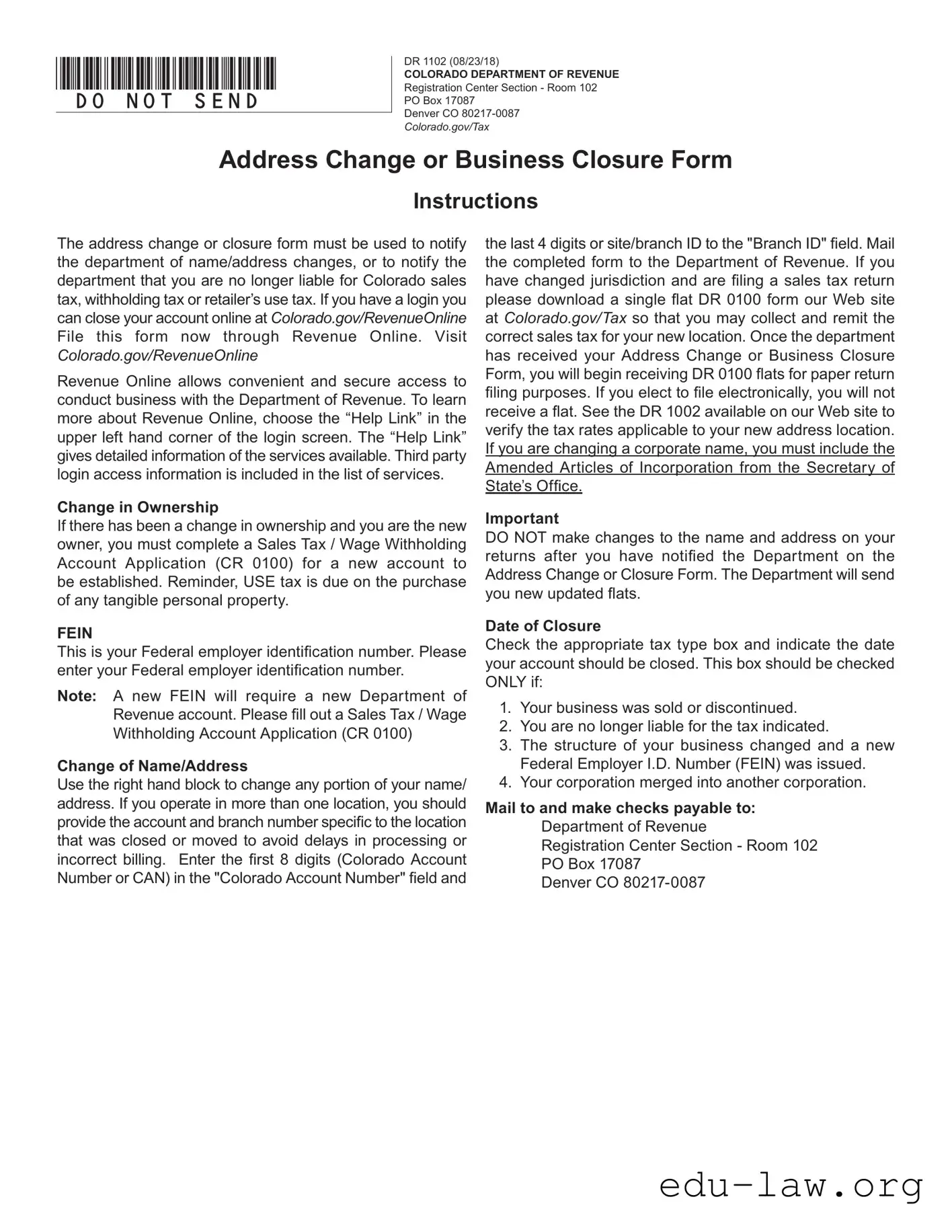
The Colorado DR 1102 form serves as a vital tool for businesses needing to communicate changes to their operational status. Whether you are updating your business address, changing your name, or closing your account, this form is essential for notifying the Colorado Department of Revenue. Accurate completion ensures that your tax records remain current, preventing potential discrepancies in your tax liability. The form requires specific details, such as your Colorado Account Number (CAN) and Federal Employer Identification Number (FEIN), to facilitate proper processing. It also outlines the necessary steps if there has been a change in ownership or if you are no longer liable for sales tax or withholding tax. By providing effective dates for closures or relocations, you can avoid complications with tax assessments. Understanding the requirements of the DR 1102 form can streamline your business operations and maintain compliance with state regulations.

*DO=NOT=SEND*
DR 1102 (08/23/18)
COLORADO DEPARTMENT OF REVENUE
Registration Center Section - Room 102
PO Box 17087
Denver CO
Colorado.gov/Tax
Address Change or Business Closure Form
Instructions
The address change or closure form must be used to notify the department of name/address changes, or to notify the department that you are no longer liable for Colorado sales tax, withholding tax or retailer’s use tax. If you have a login you can close your account online at Colorado.gov/RevenueOnline File this form now through Revenue Online. Visit
Colorado.gov/RevenueOnline
Revenue Online allows convenient and secure access to conduct business with the Department of Revenue. To learn more about Revenue Online, choose the “Help Link” in the upper left hand corner of the login screen. The “Help Link” gives detailed information of the services available. Third party login access information is included in the list of services.
Change in Ownership
If there has been a change in ownership and you are the new owner, you must complete a Sales Tax / Wage Withholding Account Application (CR 0100) for a new account to be established. Reminder, USE tax is due on the purchase of any tangible personal property.
FEIN
This is your Federal employer identification number. Please enter your Federal employer identification number.
Note: A new FEIN will require a new Department of Revenue account. Please fill out a Sales Tax / Wage Withholding Account Application (CR 0100)
Change of Name/Address
Use the right hand block to change any portion of your name/ address. If you operate in more than one location, you should provide the account and branch number specific to the location that was closed or moved to avoid delays in processing or incorrect billing. Enter the first 8 digits (Colorado Account Number or CAN) in the "Colorado Account Number" field and
the last 4 digits or site/branch ID to the "Branch ID" field. Mail the completed form to the Department of Revenue. If you have changed jurisdiction and are filing a sales tax return please download a single flat DR 0100 form our Web site at Colorado.gov/Tax so that you may collect and remit the correct sales tax for your new location. Once the department has received your Address Change or Business Closure Form, you will begin receiving DR 0100 flats for paper return filing purposes. If you elect to file electronically, you will not receive a flat. See the DR 1002 available on our Web site to verify the tax rates applicable to your new address location. If you are changing a corporate name, you must include the Amended Articles of Incorporation from the Secretary of State’s Office.
Important
DO NOT make changes to the name and address on your returns after you have notified the Department on the Address Change or Closure Form. The Department will send you new updated flats.
Date of Closure
Check the appropriate tax type box and indicate the date your account should be closed. This box should be checked ONLY if:
1.Your business was sold or discontinued.
2.You are no longer liable for the tax indicated.
3.The structure of your business changed and a new Federal Employer I.D. Number (FEIN) was issued.
4.Your corporation merged into another corporation.
Mail to and make checks payable to: Department of Revenue Registration Center Section - Room 102 PO Box 17087
Denver CO
*131102==19999*
DR 1102 (08/23/18)
COLORADO DEPARTMENT OF REVENUE
Registration Center Section - Room 102
PO Box 17087
Denver CO
Colorado.gov/Tax
Address Change or Business Closure Form
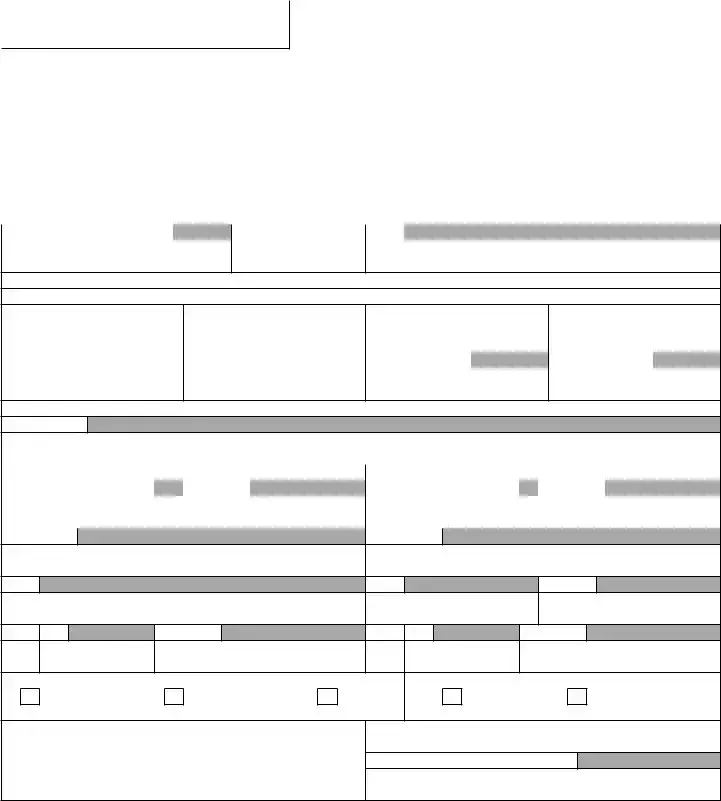
Use this form to notify the department of name and/or address changes or to notify the department that you want to close your account. Your Colorado Account Number (or CAN) is an 8 digit account number that is assigned to you when you open your account with the department. If you have a location based business, your sales tax license from the department should include both an 8 digit account number, as well as a 4 digit branch ID or site ID for each location you operate. To close or update the address of a location based businesses, please include the CAN and the branch ID specific to the location in question. Be sure to include the appropriate effective dates for closures and relocations in order to avoid incorrect assessments of tax liability.
Colorado Account Number (CAN) |
|
Branch/Site ID (last 4 digits) |
FEIN |
|
To close one or more accounts, complete this section.
Date account closed: (MM/DD/YY)
|
|
Withholding Tax |
|
|
Sales Tax |
|
|
Entire Account |
|
|
Other |
||
|
|
|
|
|
|
|
|||||||
Date (MM/DD/YY) (Last Day of Payroll) |
Date (MM/DD/YY) (Last Day of Sales) |
Date (MM/DD/YY) |
|
Date (MM/DD/YY) |
|
||||||||
To change the address or name for one or more accounts, complete this section.
Effective Date
Previous Name and Address |
New Name and Address |
||||||
Last Name or Business Name |
|
First Name |
|
Last Name or Business Name |
|
First Name |
|
|
|
|
|
|
|
|
|
Old Address
New Address
City
City
County
State Zip
Telephone
State
Zip
Telephone
Mailing Address
Physical Address
Both
Inside City
Outside City
Mail to: Colorado Department of Revenue Registration Center Section - Room 102 PO Box 17087
Denver CO
Note: If your retail business location changes during a filing period you must file a separate sales tax return for the taxes collected at each location
Must Be Signed By An Authorized Agent
| Fact Name | Description |
|---|---|
| Purpose | The Colorado DR 1102 form is used to notify the Department of Revenue about name or address changes, or to close a business account. |
| Filing Method | This form can be submitted online through Revenue Online or mailed to the Department of Revenue. |
| Account Information | Users must provide their Colorado Account Number (CAN) and Branch ID to ensure proper processing. |
| Change in Ownership | If ownership changes, a new Sales Tax / Wage Withholding Account Application (CR 0100) is required for a new account. |
| Governing Law | The form is governed by Colorado state tax laws regarding sales tax, withholding tax, and retailer’s use tax. |
Completing the Colorado DR 1102 form is essential for notifying the Department of Revenue about changes to your business's name or address, or for closing your account. Follow the steps below to ensure accurate and timely submission.
What is the Colorado DR 1102 form used for?
The Colorado DR 1102 form serves as an official notice to the Department of Revenue regarding changes in your business's name or address. Additionally, it can be used to inform the department that you are closing your account and are no longer liable for sales tax, withholding tax, or retailer’s use tax. This form is essential for maintaining accurate records with the state and ensuring compliance with tax obligations.
How do I submit the Colorado DR 1102 form?
You can submit the DR 1102 form either online or by mail. If you have an account, you can conveniently file the form through Revenue Online at Colorado.gov/RevenueOnline. This platform provides a secure way to manage your tax-related tasks. If you prefer to mail the form, send it to the Colorado Department of Revenue at the address specified on the form: Registration Center Section - Room 102, PO Box 17087, Denver, CO 80217-0087.
What information do I need to complete the DR 1102 form?
To fill out the DR 1102 form, you will need your Colorado Account Number (CAN), which is an 8-digit number assigned to you when you opened your account. If applicable, include the 4-digit branch ID for any specific locations. Additionally, you will need to provide your Federal Employer Identification Number (FEIN) if there has been a change in ownership or if you are closing your account. Make sure to include the effective dates for any closures or relocations to avoid tax liability issues.
What happens after I submit the DR 1102 form?
Once the Department of Revenue receives your DR 1102 form, they will process your request and update their records accordingly. If you have changed your address or name, you will start receiving updated tax forms, specifically the DR 0100 flats for paper filing. If you choose to file electronically, you will not receive these flats. It's important to refrain from making any changes to your name or address on tax returns until you have submitted this form.
What should I do if I have a change in ownership?
If your business has undergone a change in ownership, the DR 1102 form is not sufficient for your needs. Instead, you must complete a Sales Tax / Wage Withholding Account Application (CR 0100) to establish a new account. This is crucial as a new Federal Employer Identification Number (FEIN) will require a new Department of Revenue account. Ensure that you take these steps to maintain compliance with state tax regulations.
Can I change my business name using the DR 1102 form?
Yes, you can change your business name using the DR 1102 form. However, if you are changing a corporate name, you must also include the Amended Articles of Incorporation from the Secretary of State’s Office. This additional documentation is necessary to ensure that the name change is officially recognized and recorded by the state.
What should I do if my business closes?
If your business is closing, you need to check the appropriate tax type box on the DR 1102 form and indicate the date your account should be closed. This should only be done if your business has been sold, discontinued, or if you are no longer liable for the indicated taxes. Properly completing this form will help avoid any future tax liabilities and ensure that your records with the Department of Revenue are accurate.
Neglecting to Provide the Correct Colorado Account Number (CAN): It is essential to enter the first 8 digits of your Colorado Account Number accurately. Failing to do so can lead to delays in processing your form.
Omitting the Branch ID: If your business operates in multiple locations, you must include the last 4 digits of the Branch ID for the specific location you are updating. This detail is crucial to ensure the changes are applied correctly.
Incorrectly Checking the Tax Type Box: Make sure to check the appropriate box for the tax type you are addressing. This step is vital, especially if your business has undergone changes in ownership or structure.
Failing to Include the Effective Date: When changing an address or closing an account, always include the effective date. This information helps prevent incorrect tax assessments.
Not Signing the Form: The form must be signed by an authorized agent. A missing signature can result in the form being rejected, causing further delays.
Ignoring the Need for Additional Documentation: If changing a corporate name, remember to attach the Amended Articles of Incorporation from the Secretary of State’s Office. This documentation is necessary for processing your request.
When dealing with the Colorado DR 1102 form, several other documents may be required to ensure a smooth transition for your business. Here’s a list of related forms that you might need to consider:
Having these forms ready can facilitate a smoother process when making changes related to your business. Always ensure that you are using the most current versions of these documents to avoid any delays or complications.
The Colorado DR 0100 form is a Sales Tax/Wage Withholding Account Application. It is used to register for sales tax and withholding tax accounts in Colorado. Like the DR 1102, it requires the Federal Employer Identification Number (FEIN) and the Colorado Account Number (CAN). Both forms serve as essential communication tools with the Department of Revenue. They are crucial for businesses that need to manage their tax responsibilities effectively. Completing the DR 0100 is necessary when a business is newly established or when ownership changes, similar to how the DR 1102 is used to update information regarding changes in ownership or address.
The Colorado DR 1002 form is a tax rate verification form. It helps businesses confirm the applicable tax rates for their specific locations. This document is similar to the DR 1102 in that it also addresses location-based tax responsibilities. When a business changes its address, it is vital to ensure that the correct tax rates are applied. Both forms emphasize the importance of accurate information to avoid tax liabilities or penalties. Submitting the DR 1002 may be necessary after filing the DR 1102 to ensure compliance with tax laws.
The Colorado DR 0700 form is the Colorado Sales Tax Return. This form is used to report and pay sales tax collected by businesses. Like the DR 1102, it is essential for businesses that are active in sales. Both documents require the CAN and involve reporting information to the Department of Revenue. While the DR 1102 focuses on changes in status or address, the DR 0700 is about ongoing tax reporting obligations. Businesses must file the DR 0700 regularly, and any changes noted on the DR 1102 can impact how this form is completed.
The Colorado DR 0440 form is the Colorado Withholding Tax Return. This document is used to report and remit withholding taxes for employees. Similar to the DR 1102, it requires a business to maintain accurate records of its tax obligations. Both forms are vital for compliance with Colorado tax regulations. When a business closes or changes ownership, as indicated on the DR 1102, it may also need to adjust its withholding tax reporting, making the DR 0440 relevant in these situations.
The Colorado DR 0500 form is an application for a sales tax exemption certificate. This form is used by businesses to claim exemptions from sales tax for specific purchases. Like the DR 1102, it requires clear identification of the business and its tax status. Both forms are necessary for businesses to navigate their tax obligations effectively. When a business changes its address or ownership, as reported on the DR 1102, it may also need to update its exemption status, linking the two forms in terms of compliance and reporting.
The Colorado DR 0101 form is the Colorado Retail Sales Tax License Application. This document is necessary for businesses that wish to collect sales tax. Similar to the DR 1102, it requires the FEIN and CAN. Both forms are integral to establishing and maintaining a business’s tax account with the Department of Revenue. If a business changes its name or address, as indicated on the DR 1102, it may also need to update its sales tax license, making the DR 0101 relevant in conjunction with the DR 1102.
The Colorado DR 1003 form is the Colorado Annual Reconciliation of Withholding Tax. This form is used to reconcile the total withholding taxes collected over the year. Like the DR 1102, it is crucial for businesses to ensure that their tax records are accurate and up to date. Both forms require detailed information about the business's tax obligations. If a business changes its status or address, as reported on the DR 1102, it may affect how the DR 1003 is completed, highlighting the connection between the two documents.
The Colorado DR 1300 form is the Colorado Business Personal Property Declaration. This form is used to report personal property owned by a business for tax purposes. Similar to the DR 1102, it requires accurate information about the business and its assets. Both forms are essential for compliance with state tax laws. Changes in ownership or address reported on the DR 1102 can influence how the DR 1300 is filled out, reinforcing the importance of keeping the Department of Revenue informed about any changes in business status.
When filling out the Colorado DR 1102 form, it is essential to ensure that the process is done correctly to avoid any delays or issues. Below are some important guidelines to follow, as well as common pitfalls to avoid.
Misconceptions about the Colorado DR 1102 form can lead to confusion and potential issues for businesses. Here are five common misconceptions:
Understanding the Colorado DR 1102 form is essential for effective communication with the Department of Revenue. Here are some key takeaways to consider:
By following these guidelines, you can facilitate a smoother process when dealing with the Department of Revenue in Colorado.